Skip to content
30 Days – challenge yourself

Your next 30 days start now

Pick one habit. Do it every day for 30 days. Watch it add up.

Download on the App StoreGet it on Google Play

Free to download · no account needed · your progress stays on your phone

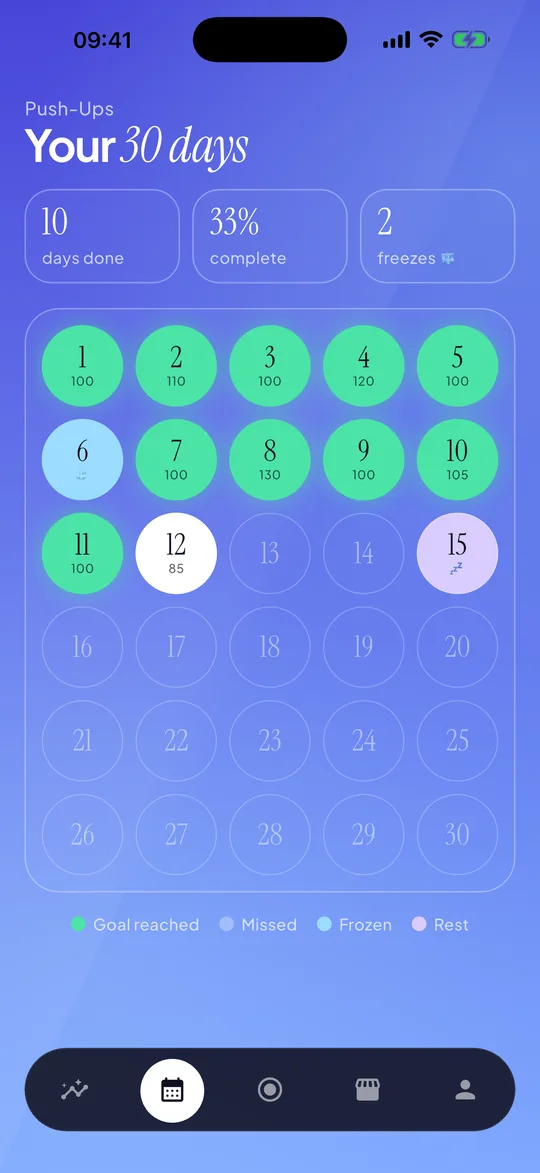
30 Days calendar: completed days, streak freeze and planned rest days across a 30-day challenge
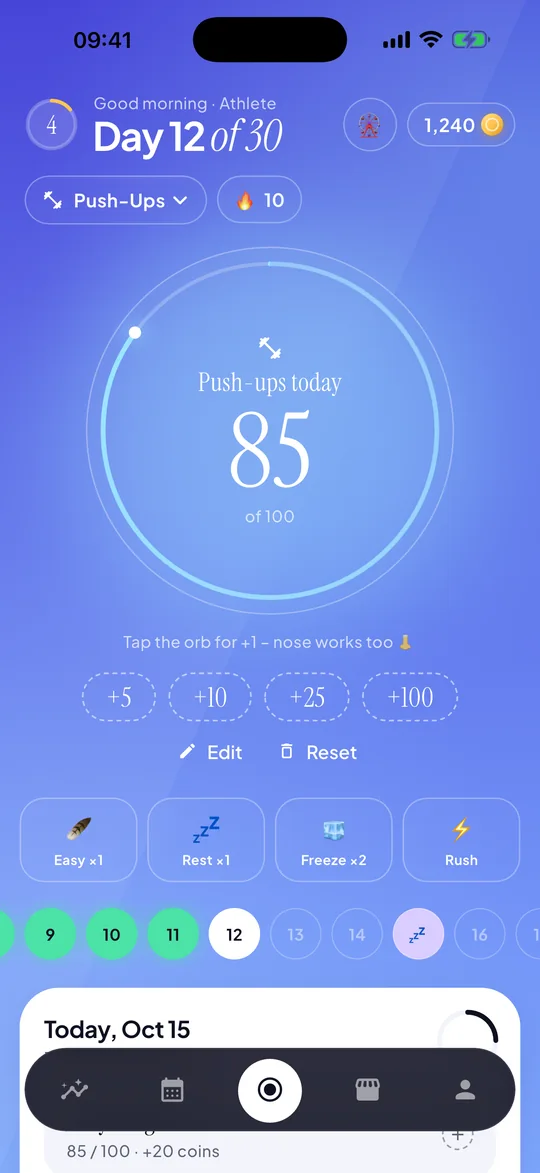
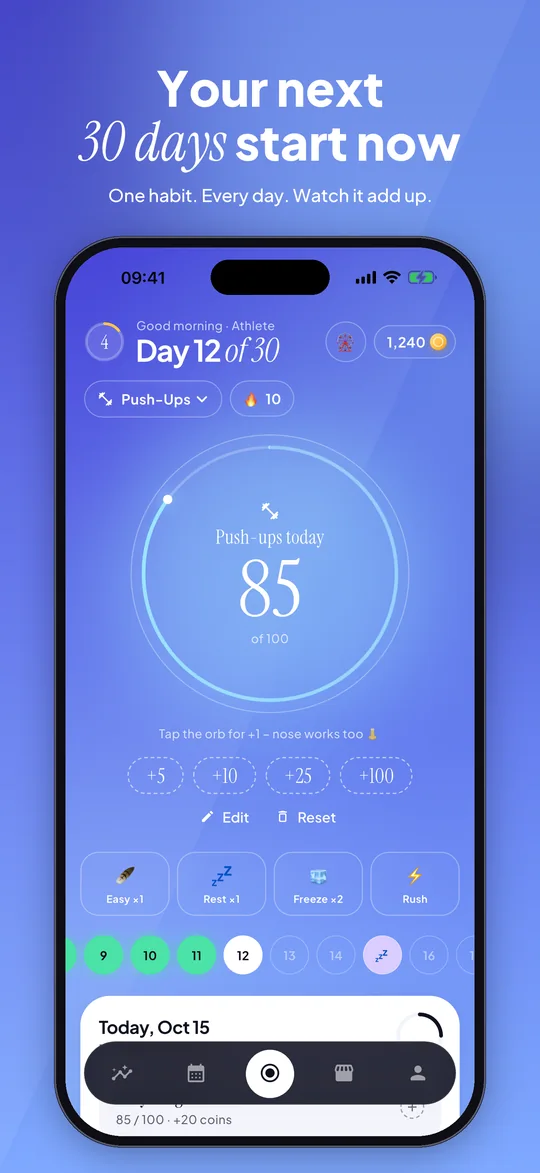
30 Days home screen: push-up counter at 85 of 100 on day 12 of 30

SMALL HABITS. REAL PROGRESS.

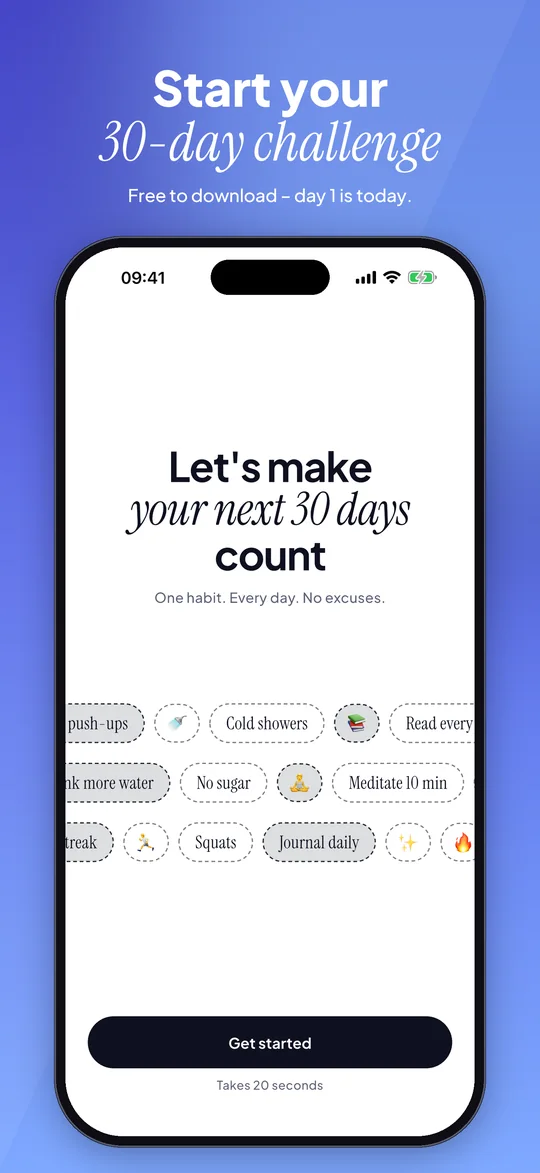
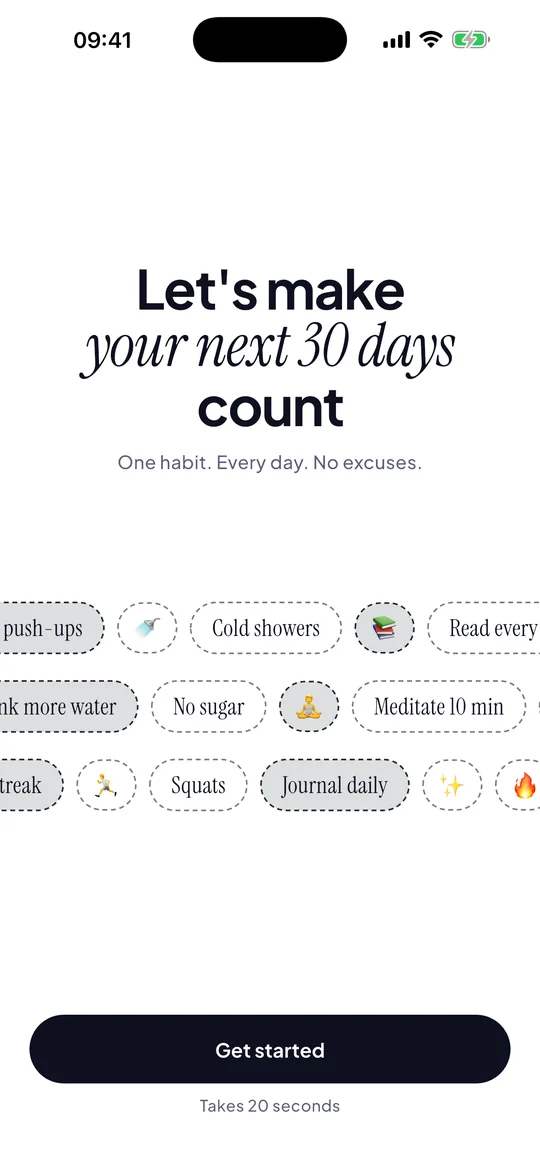
Let's make your next 30 days count

💪 Push-ups🚿 Cold showers📚 Read every day💧 Drink more water🍬 No sugar🧘 Meditate 10 min
🏃 Squats📓 Journal daily⏱️ Plank🧱 Wall sit🚶 10,000 steps✨ Your own challenge

One habit. Three simple steps.

Pick a challenge

Start from a template or create your own: count reps, hold a timer or simply check off yes/no.

Show up every day

Tap the orb, start the timer or tick the day. A daily reminder keeps you on track.

Finish strong

Thirty days later the habit is yours – and you can see every single day of it.
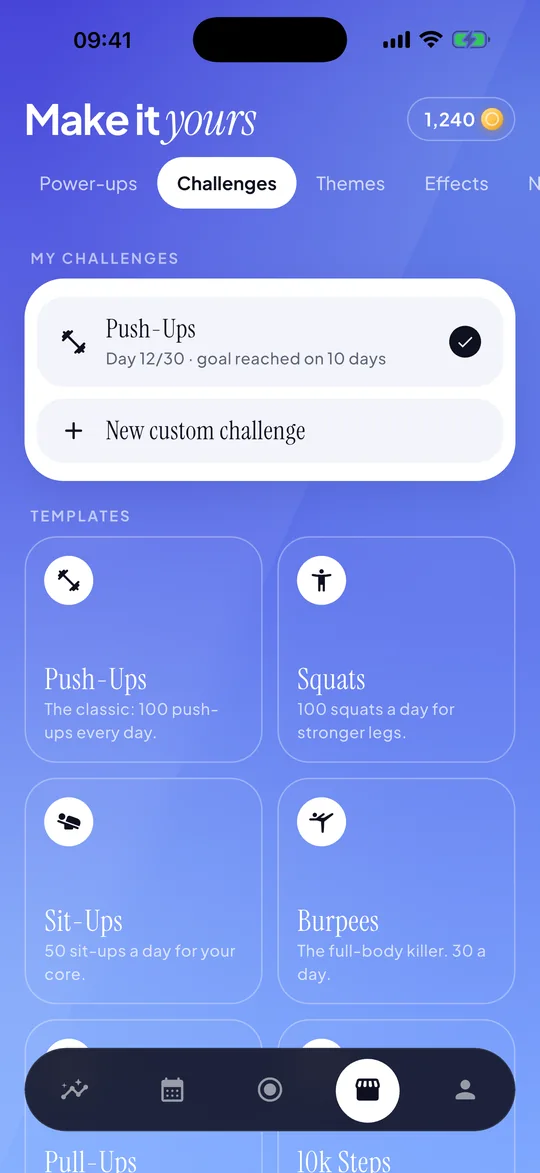
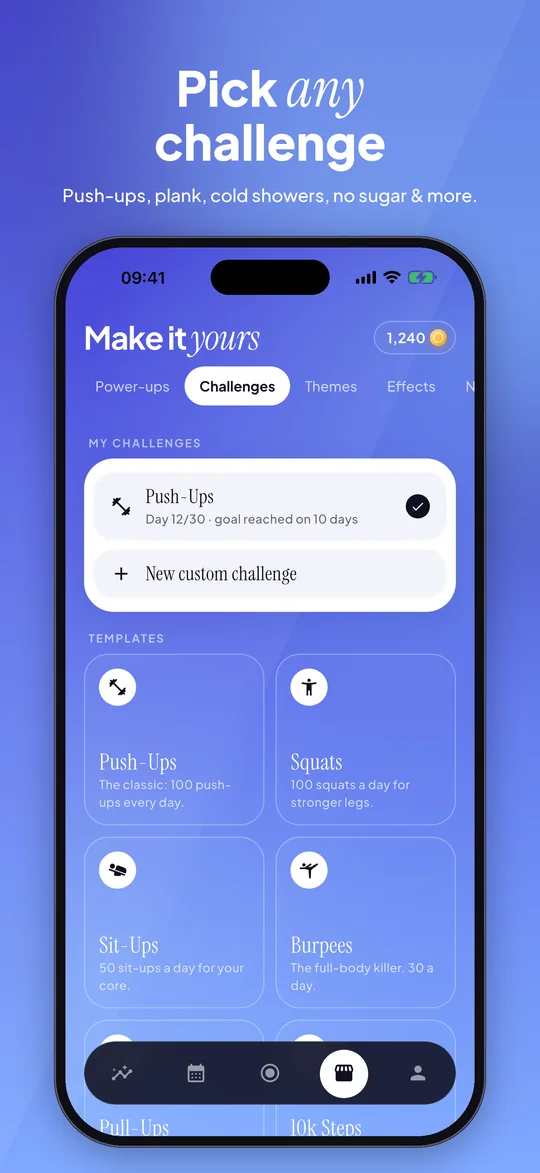
30 Days template library: push-ups, squats, sit-ups and burpees, plus a custom challenge option
01 / 06

Pick any challenge

Push-ups, plank, cold showers, no sugar & more.
  • Ready-made templates
  • Your own goal and unit
  • Counter, timer or yes/no
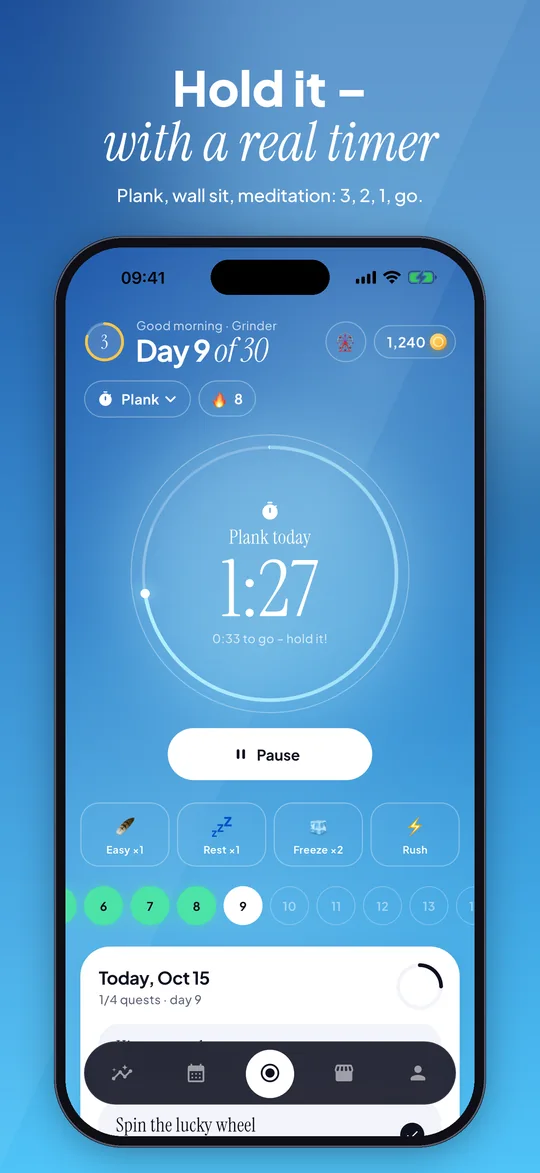
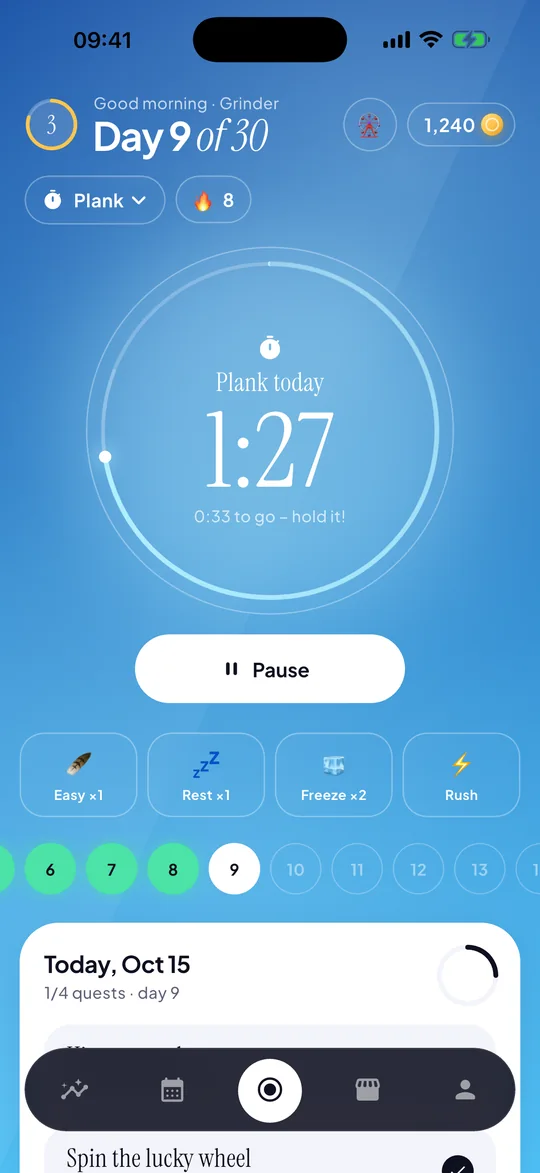
30 Days plank challenge: countdown timer at 1 minute 27 seconds on day 9 of 30
02 / 06

Hold it – with a real timer

Plank, wall sit, meditation: 3, 2, 1, go.
  • Countdown start
  • Haptic feedback
  • Logs the time automatically
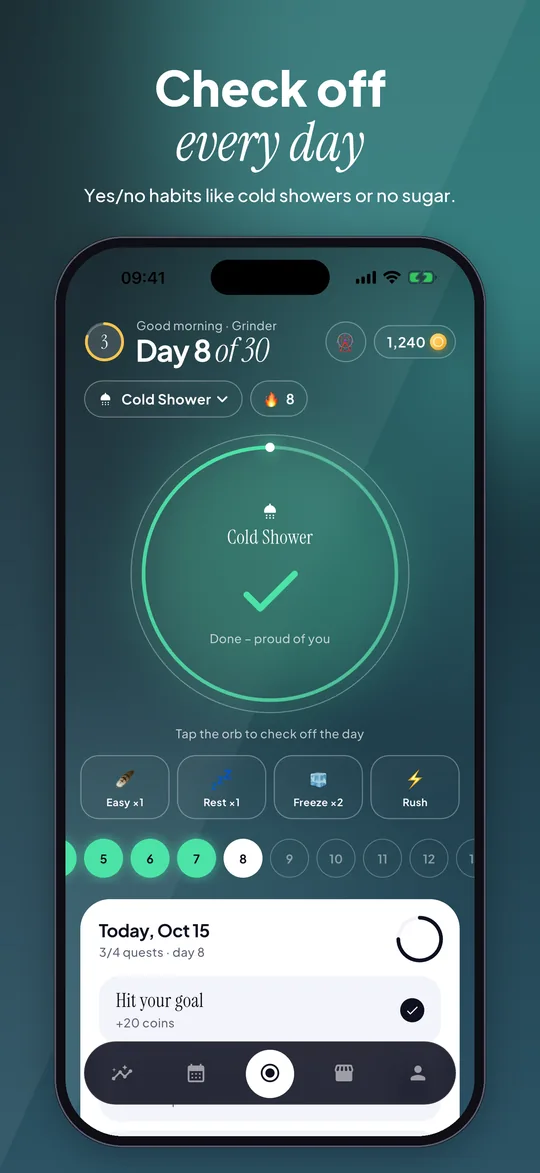
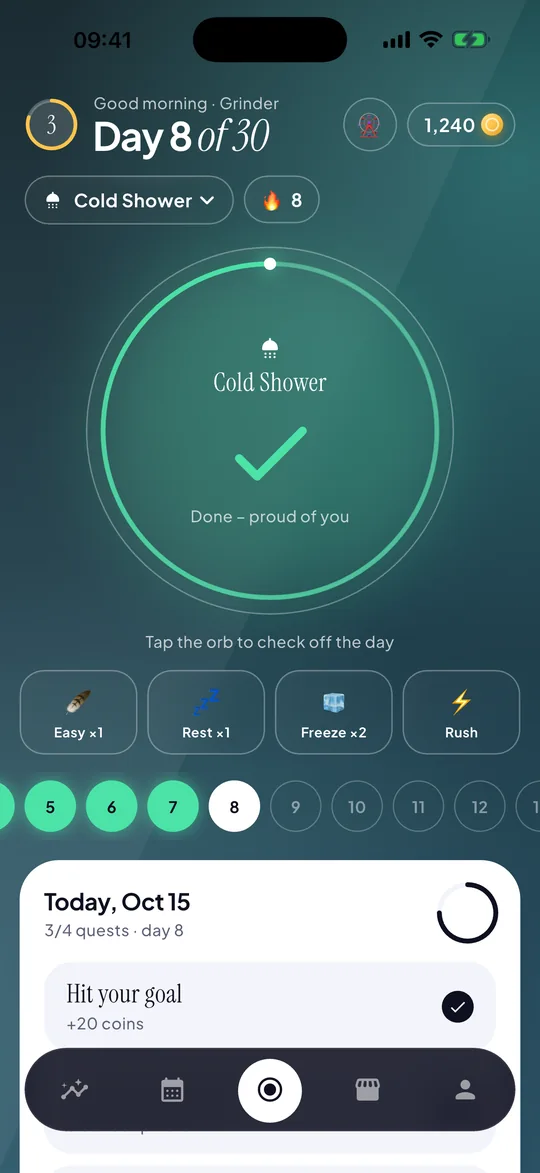
30 Days cold shower challenge: today's habit checked off on day 8 of 30
03 / 06

Check off every day

Yes/no habits like cold showers or no sugar.

  • One tap per day
  • Perfect for “quit” challenges
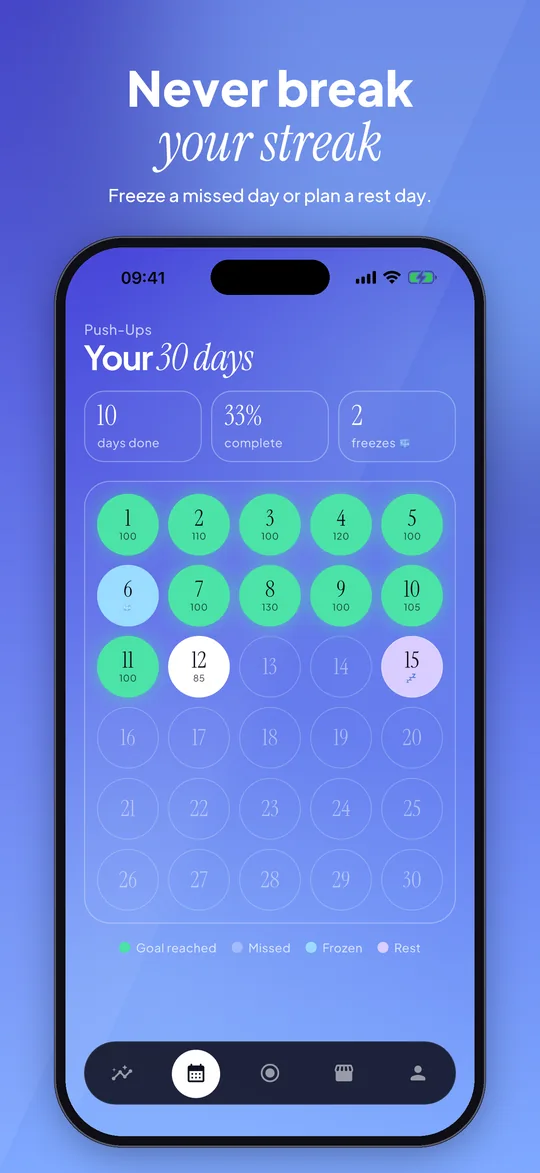
30 Days calendar: completed days, streak freeze and planned rest days across a 30-day challenge
04 / 06

Never break your streak

Freeze a missed day or plan a rest day.
  • All 30 days at a glance
  • Streak freeze
  • Planned rest days
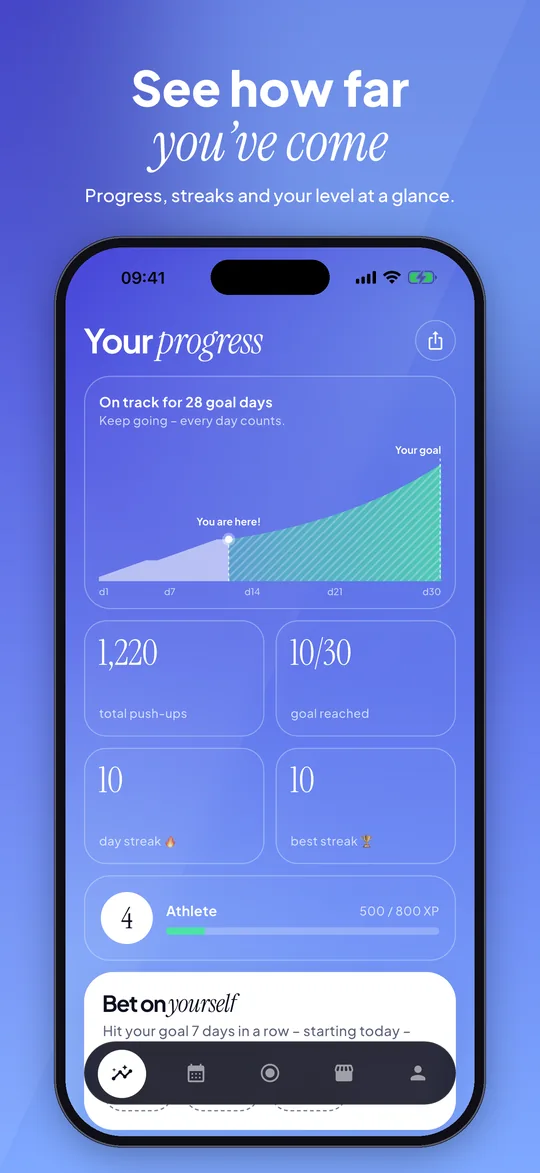
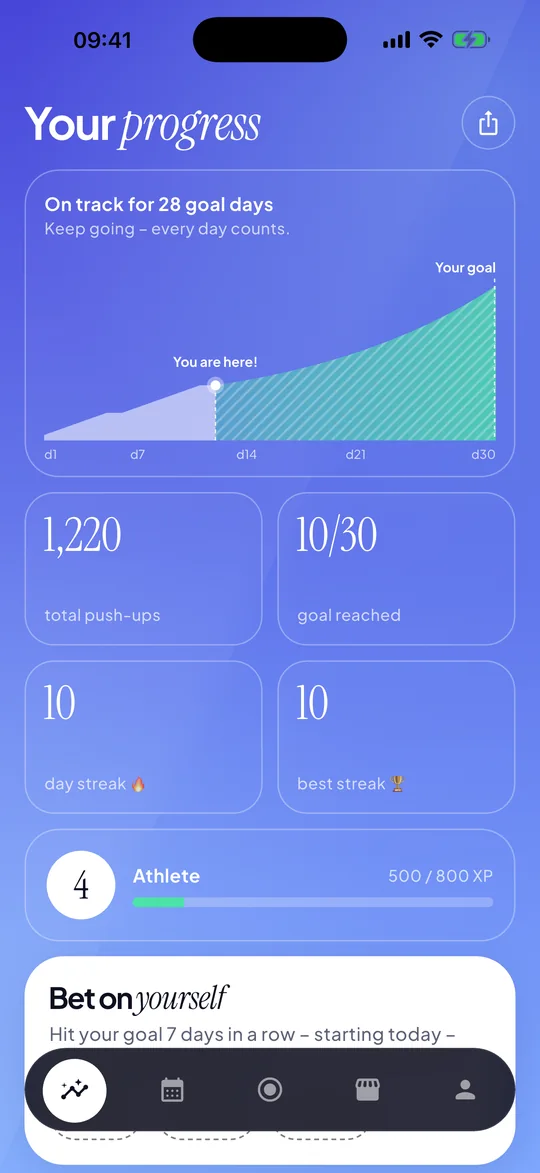
30 Days progress screen: progress chart, 1,220 push-ups, streaks and level 4
05 / 06

See how far you've come

Progress, streaks and your level at a glance.
  • Levels and streaks
  • Share your score card
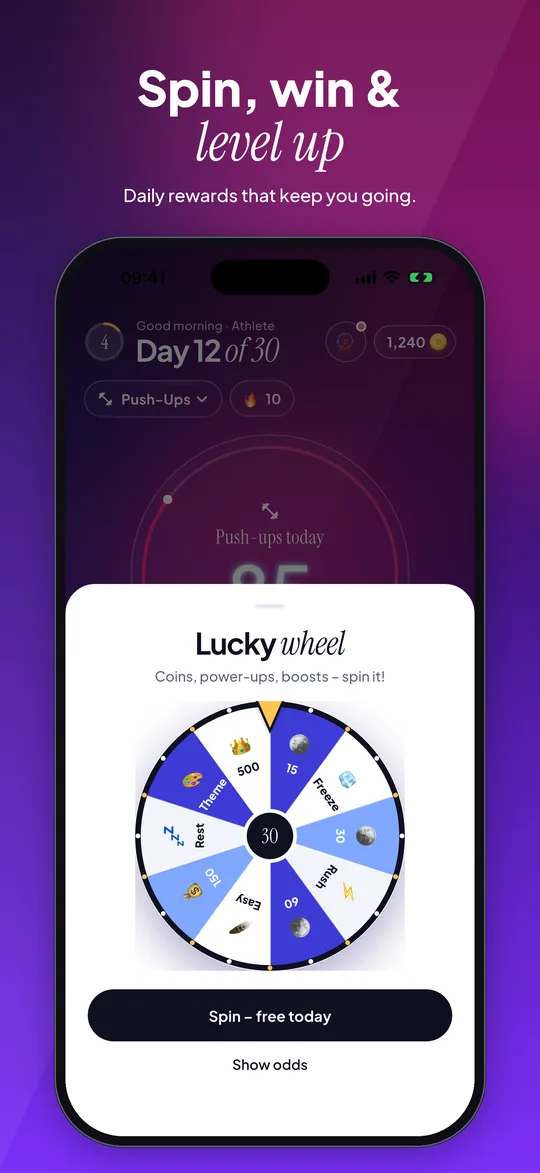
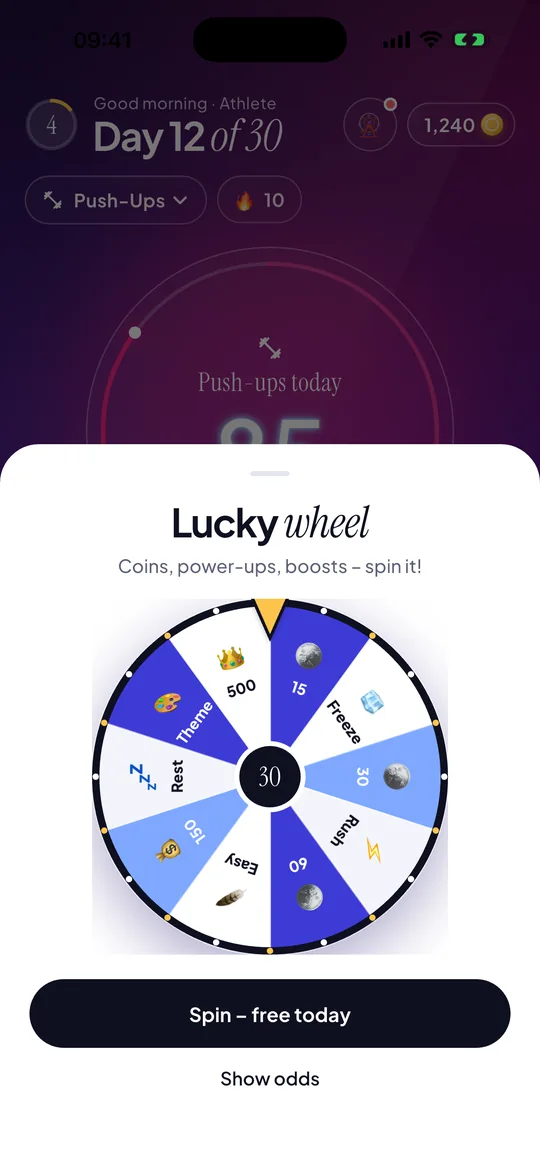
30 Days lucky wheel: daily spin with coins and power-ups, with a link to the odds
06 / 06

Spin, win & level up

Daily rewards that keep you going.

  • Earn coins for every goal
  • Power-ups: Easy, Rest, Freeze, Rush
  • Themes in the shop
  • Odds always shown

Start free. Make it yours.

YOUR FIRST STEP

Free

  • 1 active challenge
  • All challenge types
  • Streaks, calendar and coins
  • Daily reminder
  • Contains ads
Get the app

MORE ROOM TO GROW

30 Days Pro

  • Unlimited challenges
  • No ads
  • Full template library
  • Double coins + monthly bonus
  • Free power-ups every month
Get the app

Pro is available as a monthly or yearly subscription or as a one-time lifetime purchase. Prices are shown in the app in your local currency. Subscriptions renew automatically unless cancelled at least 24 hours before the end of the period and can be managed in your App Store or Google Play account.

Your habits. Your privacy.

No account, no sign-up

We never ask for your name, email or password.

Your progress stays on your phone

Challenges, streaks, coins and settings are stored only on your device. Delete them anytime in the app.

You decide about ads

Personalised ads only with your consent. Pro has no ads at all.

SUPPORT

Need help?

We're here for you. Get in touch at

support@app-mate.com
How do I restore my purchase?

Open the app → Settings → Restore purchases. Use the same Apple ID / Google account you bought with.

How do I cancel my subscription?

Subscriptions are managed by Apple or Google: iPhone → Settings → [your name] → Subscriptions; Android → Google Play → Profile → Payments & subscriptions. Deleting the app does not cancel it.

Is my progress backed up?

No. Your progress is stored only on your phone, so it is not transferred to a new phone and is lost if you delete the app. Pro purchases can always be restored.

How do I delete my data?

Settings → Delete all my data. This removes all challenges, coins and settings from your device.

How do I change my ad / tracking choice?

Settings → Privacy & ad choices. On iPhone, also Settings → Tracking permission.

Start your 30-day challenge

Free to download – day 1 is today.

Download on the App StoreGet it on Google Play
30 Days welcome screen: Let's make your next 30 days count, with challenge ideas and Get started button